What Is RSS Feed? A Complete Beginner's Guide
In an era of algorithmic feeds, notification fatigue, and privacy concerns, RSS (Really Simple Syndication) is experiencing a remarkable resurgence. But what exactly is it, and why should you care in 2026?
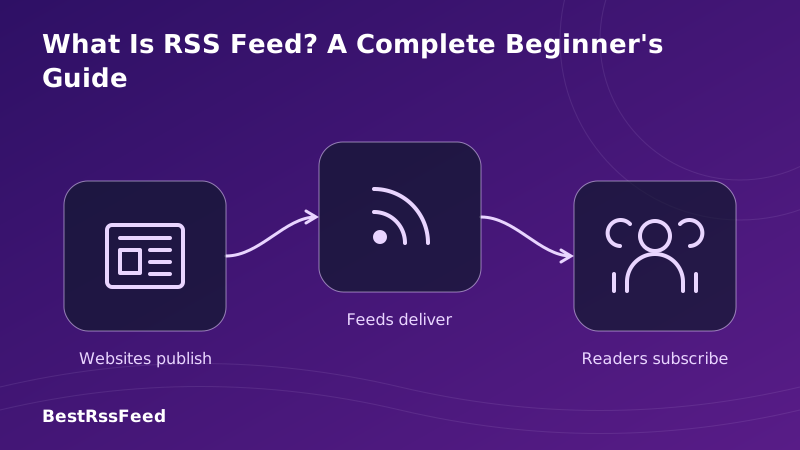
Think of RSS as a personalized news wire that you control. Instead of visiting ten different websites or scrolling through a social media feed filled with ads, RSS brings all the updates from your favorite sources into one single app. No algorithms deciding what you see. No tracking pixels monitoring your behavior. Just pure content, delivered on your terms.
1. What Does RSS Stand For?
RSS stands for Really Simple Syndication (though historically it has also stood for RDF Site Summary and Rich Site Summary). Regardless of the acronym, the function remains the same: it is a web standard that allows content publishers to distribute updates in a standardized, machine-readable format.
2. How Does RSS Work? (Step-by-Step)
The beauty of RSS is its simplicity. Here's the lifecycle of an RSS update:
How RSS Works: The Data Flow
1. Publisher
Creates content & updates XML feed
2. Host
Stores feed at example.com/feed.xml
3. Reader
Checks feed for updates automatically
4. You
Read content in one unified app
Unlike email, no personal data is exchanged between you and the publisher.
The "Pull" vs. "Push" Distinction
Most modern platforms (Facebook, TikTok, Email) use a push model—they send content to you whether you want it or not. RSS uses a pull model. Your reader app asks the server, "Is there anything new?" If yes, it downloads it. If no, nothing happens. This gives you ultimate control over your attention.
3. Why Is RSS Making a Comeback in 2026?
RSS was declared "dead" multiple times (notably when Google Reader shut down in 2013). Yet, usage is surging. Why?
- Algorithm Fatigue: People are tired of social media feeds showing them rage-bait instead of news.
- Privacy Awareness: RSS requires no login, no email, and no tracking cookies.
- Information Overload: RSS allows filtering and organization that email inboxes cannot match.
- Creator Independence: Writers want direct channels to readers without platform intermediaries taking cuts.
RSS Adoption vs. Social Media Trust (2026)
4. What Can You Subscribe To?
RSS isn't just for blogs. Almost any updating content source can have a feed.
Most Common RSS Content Types
Beyond News: Creative Uses
- Job Hunting: Subscribe to RSS feeds from job boards for specific keywords.
- Price Tracking: Some deal sites offer RSS feeds for price drops.
- Website Monitoring: Get alerted when a government site or competitor updates their page.
- Podcasts: Every podcast app uses RSS behind the scenes.
- YouTube: Subscribe to channels without giving Google your data.
5. How to Start Using RSS (Beginner's Steps)
Getting started takes less than 10 minutes. Here's your roadmap:
Choose a Reader
Pick an app like Feedly, Inoreader, or BestRSSFeed.
Find Feeds
Look for the RSS icon (orange waves) or add '/feed' to URLs.
Organize
Create folders like 'News', 'Tech', 'Hobbies' to stay tidy.
How to Find an RSS Feed
Not all websites make it obvious. Try these tricks:
- Browser Extensions: Install "RSS Feed Reader" for Chrome or Firefox to detect feeds automatically.
- URL Guessing: Try adding
/feed,/rss, or/atom.xmlto the end of a homepage URL. - View Source: Right-click → View Page Source → Search for "rss" or "atom".
- BestRSSFeed Discovery: Use our built-in search to find verified feeds for popular sites.
6. Choosing the Right RSS Reader
The reader is your window into the RSS world. Choose wisely based on your needs.
| Reader App | Type | Best For | Pricing |
|---|---|---|---|
| Feedly | Freemium | General Users | Free / $6/mo |
| Inoreader | Power User | Advanced Filtering | Free / $5/mo |
| BestRSSFeed | Privacy-First | Newsletter Conversion | Free / $9/mo |
| The Old Reader | Nostalgic | Simple Interface | Free / $3/mo |
| NewsBlur | Open Source | Self-Hosting | Free / $2/mo |
7. RSS vs. Social Media vs. Email
How does RSS stack up against the alternatives?
Efficiency & Privacy Comparison
*Efficiency score based on signal-to-noise ratio and time spent finding relevant content.
8. Common Beginner Mistakes to Avoid
Don't let these pitfalls ruin your RSS experience.
| Mistake | Impact | The Fix |
|---|---|---|
| Subscribing to too many feeds | High | Start with 5-10 core sources |
| Not organizing into folders | Medium | Group by topic (News, Tech, Fun) |
| Ignoring keyboard shortcuts | Low | Learn 'j/k' or 'n/p' navigation |
| Choosing a closed ecosystem | High | Ensure OPML export is available |
9. The Future of RSS
RSS is evolving. In 2026, we're seeing exciting developments:
- JSON Feed Standard: A modern alternative to XML that's easier for developers to implement.
- AI Summarization: Readers like BestRSSFeed now offer AI summaries of long articles directly in the feed.
- Newsletter Bridge: Converting email-only newsletters into RSS feeds to reclaim privacy.
- Podcast 2.0: Enhanced RSS tags allowing value-for-value payments directly through the feed.
10. Frequently Asked Questions
11. Final Verdict: Should You Start Using RSS?
If you value your time, privacy, and mental clarity, the answer is a resounding yes. RSS puts you back in the driver's seat of your information diet. It removes the noise, the algorithms, and the tracking, leaving only the content you actually care about.
Start small. Pick five favorite blogs or news sites. Subscribe to their feeds. Read them for a week in a dedicated app. Compare that experience to scrolling through Twitter or checking your email inbox. Once you feel the difference, you'll wonder how you lived without it.
Ready to take control of your feed?
BestRSSFeed offers a privacy-first reader with powerful tools like Newsletter Bridge and AI summarization. Start your free trial today.