How to Integrate RSS Feeds into Your Website or App
In 2026, content is king, but distribution is queen. Integrating RSS feeds into your website or application allows you to syndicate content, display dynamic news streams, or aggregate industry updates without manual effort. Whether you're building a React dashboard, a Next.js blog, or a mobile app, RSS remains one of the most reliable protocols for data exchange.
This guide covers everything from choosing the right parsing library to implementing robust caching strategies. We'll explore client-side vs. server-side rendering, security considerations, and how to ensure your integration doesn't impact Core Web Vitals.
1. Choosing Your Integration Strategy
Before writing code, decide where the parsing logic will live. This decision impacts SEO, performance, and security. The three main approaches are Client-Side, Server-Side, and Static Build.
RSS Integration Methods Distribution (2026)
Client-Side (JavaScript)
Fetching RSS directly in the browser using fetch() or axios. Easy to implement but prone to CORS errors and not SEO-friendly since search engines may not execute JS to see the content.
Server-Side (SSR/API)
Your backend fetches the RSS, parses it, and serves JSON to your frontend. This is the recommended approach for production apps. It hides feed URLs, handles CORS, and ensures content is indexable.
Static Build (SSG)
Fetch feeds at build time (e.g., Next.js getStaticProps). Best for performance but data isn't real-time. Ideal for blogs that update daily, not hourly.
2. Step-by-Step Implementation Guide
Here's a practical walkthrough for integrating RSS into a modern React/Node stack. We'll use the popular rss-parser library for robustness.
RSS Integration Architecture
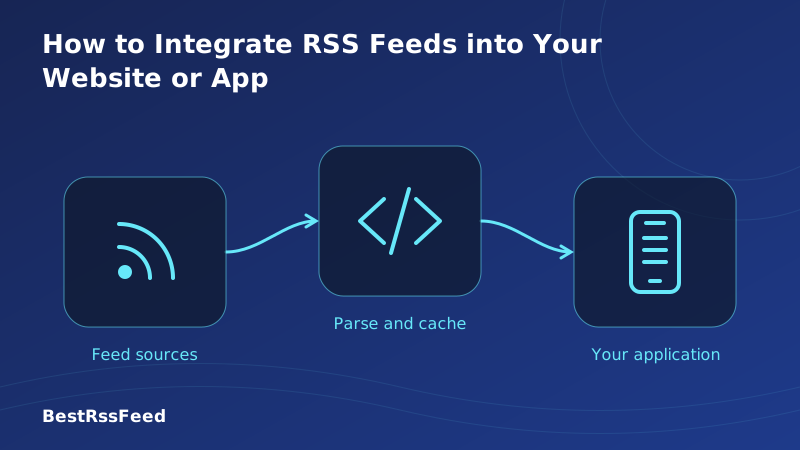
Fetch → Parse → Cache → Render. Keep the heavy lifting off the client.
Step 1: Install Dependencies
npm install rss-parser
# or
yarn add rss-parser
Step 2: Create a Server-Side Fetcher
Never expose raw RSS XML to the client if you can avoid it. Create an API endpoint that fetches and sanitizes the data.
import Parser from 'rss-parser';
const parser = new Parser();

export default async function handler(req, res) {
  try {
    const feed = await parser.parseURL('https://example.com/feed.xml');
    res.status(200).json({ items: feed.items });
  } catch (error) {
    res.status(500).json({ error: 'Failed to fetch feed' });
  }
}
Step 3: Render in Frontend
Consume the JSON API in your React component. Always handle loading and error states.
useEffect(() => {
  fetch('/api/feed')
    .then(res => res.json())
    .then(data => setItems(data.items));
}, []);

return (
  <ul>
    {items.map(item => (
      <li key={item.link}>
        <a href={item.link}>{item.title}</a>
      </li>
    ))}
  </ul>
);
3. Performance & Caching Strategies
RSS feeds are external resources. Relying on them directly can slow down your site if the source is down or slow. Caching is mandatory for production environments.
Performance Impact: Cached vs. Live Fetch
- Redis/Memory: Cache feed JSON for 15-60 minutes.
- Stale-While-Revalidate: Show cached content immediately while fetching updates in background.
- Timeouts: Set a 5-second timeout on feed requests to prevent hanging.
- Fallback: If the feed fails, display a graceful message or static list.
4. Security Considerations
RSS feeds are external inputs. Treat them like user-generated content to prevent XSS (Cross-Site Scripting) attacks. Malicious feeds could inject scripts into your site if not sanitized.
| Security Check | Priority |
|---|---|
| Validate XML Structure | Critical |
| Sanitize HTML Content | Critical |
| Implement Caching | High |
| Use HTTPS for Feeds | High |
| Rate Limit Requests | Medium |
| Handle Timeouts | Medium |
Use libraries like dompurify to sanitize HTML content within feed descriptions before rendering them dangerously.
5. Popular Libraries & Tools
Don't reinvent the wheel. XML parsing is tricky due to namespace variations. Use established libraries tested across different RSS versions (0.9, 2.0) and Atom.
Library Popularity & Stability (2026)
Top Recommendations
- rss-parser (Node/JS): The gold standard. Handles promises, CORS proxies, and custom fields.
- react-feed (React): Hook-based wrapper for easier integration in components.
- SimplePie (PHP): If you're on WordPress or legacy PHP stacks.
- Feedzy (WordPress Plugin): No-code solution for WP sites.
6. Measuring Success: Engagement Metrics
Why integrate RSS? Data shows that sites with dynamic content streams see higher returning visitor rates. Fresh content signals activity to both users and search engines.
Returning Visitor Growth After RSS Integration
7. Troubleshooting Common Issues
Access to fetch at '...' from origin '...' has been blocked by CORS policy.Solution: Never fetch RSS directly from browser to external domain. Route through your own API endpoint.
Solution: Some feeds are malformed. Use tolerant parsers like
rss-parser which auto-corrects common errors.Solution: Implement server-side caching. Set a timeout (e.g., 3s). If it fails, hide the widget rather than blocking the page.
8. Frequently Asked Questions
9. The Verdict: Automate Your Content
Integrating RSS feeds in 2026 is easier than ever thanks to modern libraries and frameworks. By following server-side best practices, sanitizing inputs, and caching aggressively, you can add a dynamic content stream that boosts engagement without compromising performance.
Whether you're aggregating news, displaying podcast episodes, or syncing blog updates, RSS remains the universal standard for open web syndication. Start small, cache early, and let the content flow.
Need a Managed RSS Solution?
BestRSSFeed offers embeddable widgets and API tools to simplify integration without the backend hassle.
Explore BestRSSFeed